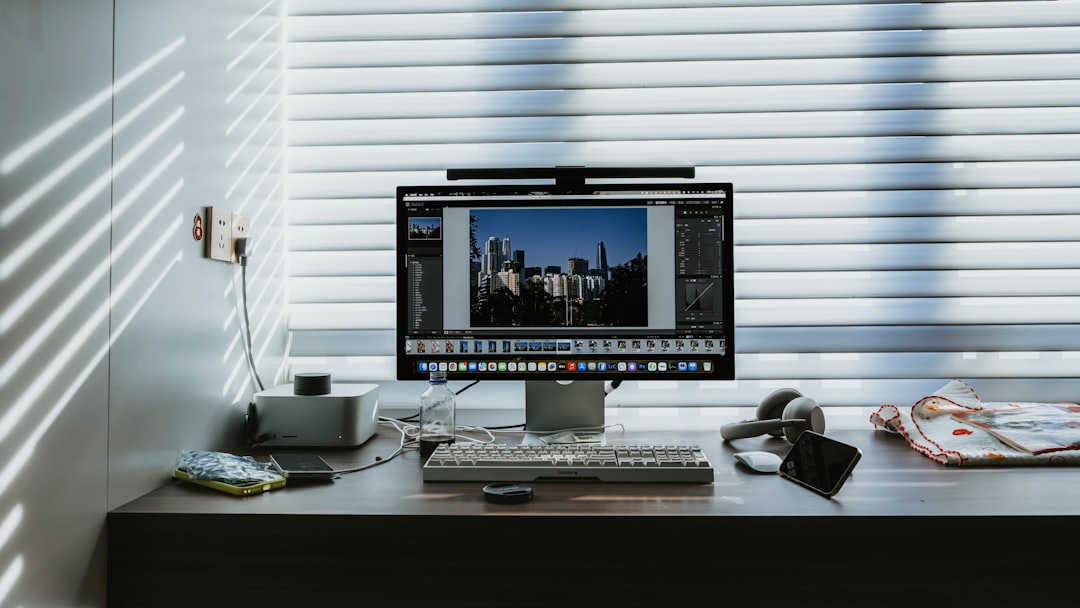
Artificial intelligence has transformed modern photo editing, and tools like Topaz Photo AI have become popular for their ability to sharpen images, reduce noise, and upscale resolution with minimal manual effort. However, photographers and designers often seek alternatives—whether due to pricing, workflow preferences, feature gaps, or platform compatibility. Fortunately, the market now offers several mature AI-powered photo editing tools that rival or even surpass Topaz Photo AI in certain areas.
TLDR: Topaz Photo AI is powerful, but several serious alternatives offer comparable or superior AI-driven sharpening, denoising, upscaling, and enhancement tools. Leading options include Adobe Photoshop with Firefly AI, Luminar Neo, ON1 Photo RAW, DxO PureRAW, and Gigapixel AI. Each tool excels in specific areas such as workflow integration, lens correction, portrait retouching, or batch processing. Choosing the right alternative depends on your editing objectives, budget, and technical requirements.
Why Look for a Topaz Photo AI Alternative?
Topaz Photo AI combines sharpening, noise reduction, and upscaling into a single interface. While convenient, users sometimes seek alternatives for several key reasons:
- Subscription concerns: Some users prefer subscription models; others prefer one-time licenses.
- Workflow compatibility: Integration with Adobe Lightroom or Capture One may be a priority.
- Specialized needs: Portrait retouching, landscape enhancements, or lens corrections may require more specialized tools.
- Performance and hardware optimization: GPU acceleration and processing speed vary between tools.
Below are the most reliable and professional-grade alternatives available today.
1. Adobe Photoshop (with Adobe Firefly AI)
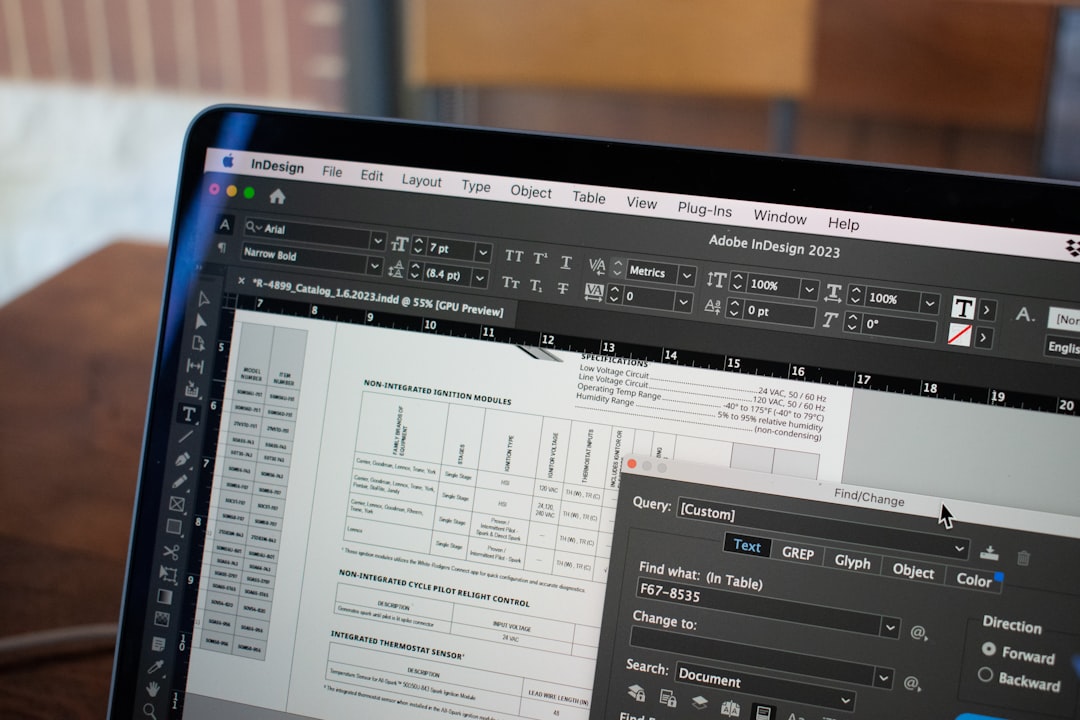
Adobe Photoshop remains the industry standard for professional photo editing. With the integration of Adobe Firefly AI and the Neural Filters suite, Photoshop now offers powerful automated enhancements that compete directly with Topaz Photo AI.
Key Strengths
- AI-powered Neural Filters for skin smoothing, color correction, and restoration
- Advanced Super Resolution upscaling in Adobe Camera Raw
- Comprehensive manual editing capabilities
- Seamless integration with Lightroom
Unlike Topaz Photo AI, Photoshop offers deep manual control in addition to automation. Professionals who need both precision and AI acceleration often find Photoshop to be a more versatile long-term solution.
Best for: Professional photographers, retouchers, and designers who require advanced control alongside AI assistance.
2. DxO PureRAW
DxO PureRAW focuses heavily on RAW file optimization, lens correction, noise reduction, and demosaicing. It uses DxO’s renowned DeepPRIME AI technology to enhance image quality before creative editing even begins.
Key Strengths
- Industry-leading noise reduction
- Exceptional lens correction profiles
- Optical flaw reduction
- Clean workflow integration with Lightroom
Many landscape and wildlife photographers prefer DxO PureRAW because of its ability to recover detail from high ISO images without introducing artificial artifacts.
Best for: RAW photographers seeking maximum image quality from challenging shooting conditions.
3. Luminar Neo
Luminar Neo by Skylum markets itself as an AI-first editing suite. It combines enhancement, object removal, relighting, sky replacement, and portrait retouching in one streamlined interface.
Image not found in postmetaKey Strengths
- Relight AI for adjusting background and foreground lighting separately
- Sky AI for seamless sky replacement
- Portrait enhancements including skin, eyes, and face sculpting
- Layer-based editing
While Topaz Photo AI focuses more narrowly on sharpening and noise reduction, Luminar Neo provides creative AI tools that dramatically alter composition and lighting. It is particularly useful for portrait and travel photography.
Best for: Creatives who want strong AI automation with artistic flexibility.
4. ON1 Photo RAW
ON1 Photo RAW delivers a hybrid solution combining digital asset management, non-destructive editing, and AI-powered enhancements. It is often positioned as a Lightroom alternative and competes indirectly with Topaz through its AI NoNoise and Resize modules.
Key Strengths
- AI NoNoise for high-quality denoising
- AI Resize for enlarging images without detail loss
- Built-in photo organizer
- Effects and presets library
ON1 stands out because it eliminates the need for multiple separate applications. Users can manage, enhance, resize, and export images within one ecosystem.
Best for: Photographers who want an all-in-one Lightroom alternative with AI enhancement built in.
5. Gigapixel AI
Although developed by Topaz Labs, Gigapixel AI functions as a standalone upscaling tool and competes with other AI enlargement software. For users specifically interested in alternatives focused on image enlargement, other upscaling tools such as Adobe Super Resolution or ON1 Resize may be considered.
Key Strengths
- Specialized image upscaling up to 600%
- Face refinement AI
- Print-ready output optimization
For users dissatisfied with Topaz Photo AI’s bundled approach, separating sharpening, noise reduction, and upscaling into dedicated tools can offer greater control.
6. Capture One (with AI Masking)
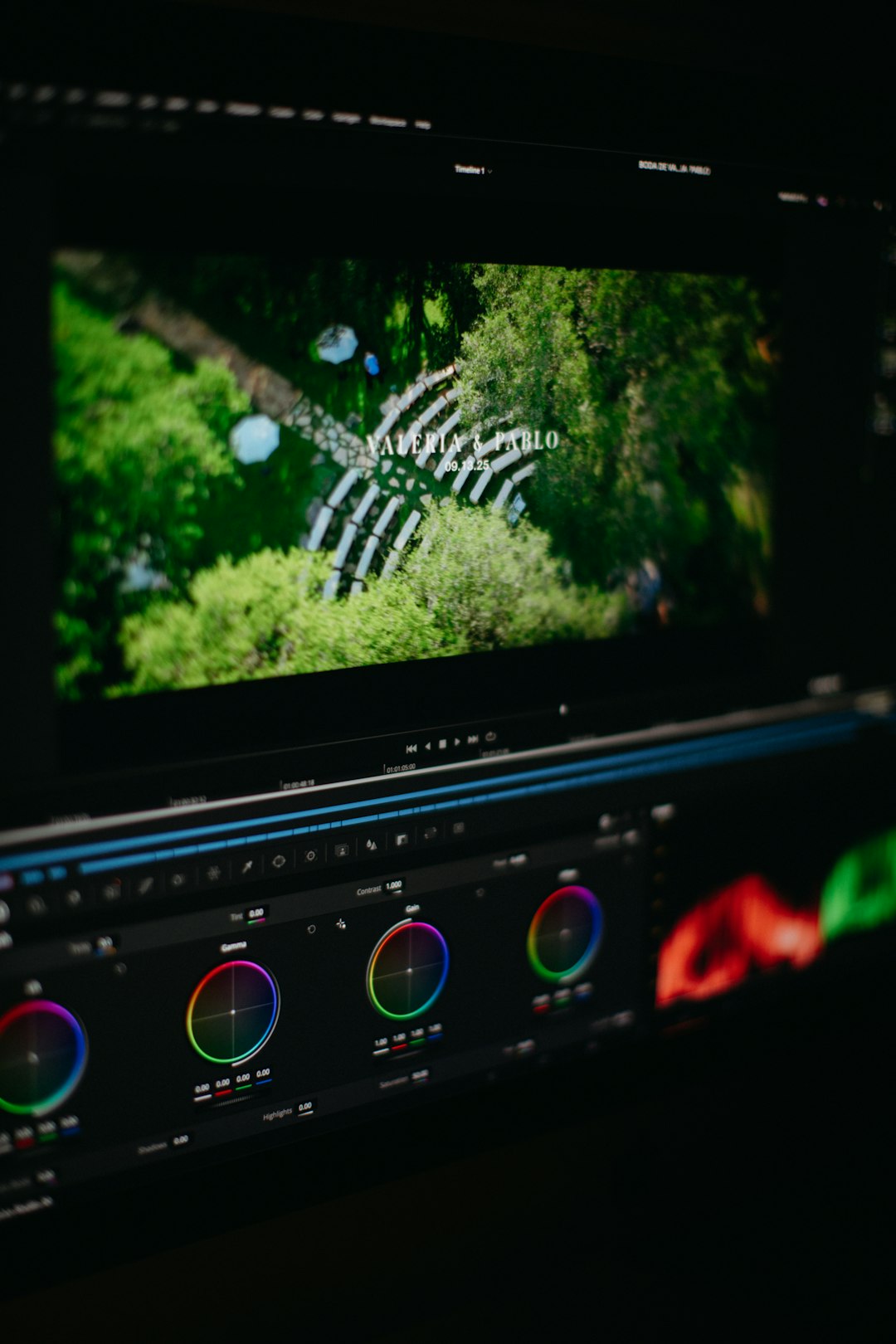
Capture One has long been known for its color science and tethering capabilities. Recently introduced AI masking tools allow automatic subject and background selection, significantly speeding up workflow.
Key Strengths
- Exceptional color grading capabilities
- Precise layer-based adjustments
- AI subject masking
- Professional tethering support
While Capture One does not focus primarily on AI sharpening like Topaz, it excels in professional studio workflows and high-end commercial photography.
Best for: Studio photographers and professionals prioritizing color accuracy and tethered shooting.
Feature Comparison Chart
| Tool | Noise Reduction | Upscaling | AI Masking | Lens Correction | Best For |
|---|---|---|---|---|---|
| Adobe Photoshop | Excellent | Super Resolution | Yes | Moderate | Advanced professionals |
| DxO PureRAW | Industry-leading | Limited | No | Excellent | RAW optimization |
| Luminar Neo | Very good | Moderate | Yes | Basic | Creative edits |
| ON1 Photo RAW | Very good | AI Resize | Yes | Good | All-in-one workflow |
| Capture One | Good | Limited | Yes | Good | Studio professionals |
How to Choose the Right Alternative
Selecting the best replacement for Topaz Photo AI depends largely on your priorities:
- If maximum image quality and RAW correction matter most, DxO PureRAW is highly reliable.
- If you need creative AI tools like sky replacement and relighting, Luminar Neo stands out.
- If you want a fully integrated professional workflow, Adobe Photoshop or Capture One may be better choices.
- If you prefer a single application ecosystem, ON1 Photo RAW provides balance.
Consider testing trial versions whenever available. Performance varies depending on your hardware configuration, especially GPU acceleration and RAM availability.
Final Thoughts
AI-driven photo editing is no longer limited to a single dominant tool. While Topaz Photo AI remains a strong contender for sharpening and denoising, several serious alternatives offer broader functionality, better workflow integration, or more specialized performance. Adobe Photoshop delivers unmatched versatility, DxO PureRAW leads in RAW processing, Luminar Neo excels in creative automation, ON1 Photo RAW provides an all-in-one environment, and Capture One remains a studio favorite.
The most trustworthy path forward is evaluating software based on your actual shooting style, volume of work, and output requirements. AI tools should enhance—not replace—professional judgment. With the right alternative, you can maintain image integrity while significantly accelerating your editing process.


