Meetings can be messy. People talk fast. Ideas fly around. Someone says, “I’ll send notes later.” And later never comes. That’s where AI meeting assistants like Fireflies.ai step in. They record, transcribe, and summarize meetings automatically. No more frantic note-taking. No more missed action items. Just clear, searchable summaries waiting in your inbox.
TLDR: AI meeting assistants like Fireflies.ai automatically record, transcribe, and summarize your meetings. They save time, reduce stress, and make it easy to find key decisions and action items. You can focus on the conversation while the AI handles the notes. It is like having a super-smart assistant in every call.
What Is an AI Meeting Assistant?
An AI meeting assistant is a smart tool that joins your online meetings. It listens. It records. It writes everything down. Then it turns that long conversation into short, clear summaries.
Think of it as a digital secretary that never gets tired.
Tools like Fireflies.ai work with platforms such as:
- Zoom
- Google Meet
- Microsoft Teams
- Webex
Once invited, the AI bot joins the meeting just like another participant. It records the audio. Then it creates a full transcript. After that, it highlights key points, decisions, and tasks.
Magic? Not quite. Just smart technology.
How Does It Actually Work?
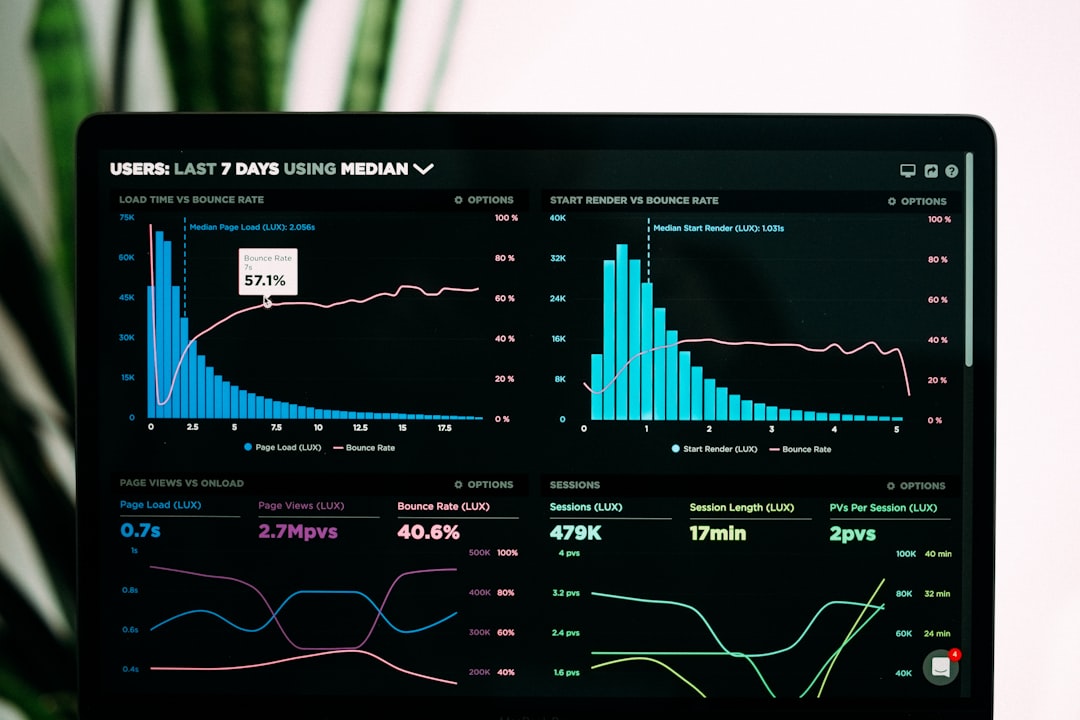
Let’s break it down into simple steps:
- Step 1: It joins the meeting. You schedule it or set it to auto-join.
- Step 2: It records the conversation. Every word gets captured.
- Step 3: It transcribes the audio. Speech turns into text in minutes.
- Step 4: It summarizes the content. AI pulls out key ideas and action items.
- Step 5: It shares the notes. You get an organized summary after the call.
The result? Clean notes without lifting a finger.
Why People Love AI Meeting Assistants
Let’s be honest. Most people dislike taking notes during meetings. It splits your focus. You either listen or write. Doing both well is hard.
Here’s why AI tools are becoming popular:
1. You Can Actually Pay Attention
Instead of typing every sentence, you can focus on the conversation. You can ask better questions. You can engage more naturally.
2. No More “Who Said That?”
AI transcripts are searchable. Type a keyword. Instantly find the exact moment it was mentioned.
3. Clear Action Items
Many tools automatically detect tasks. For example:
- “John will send the proposal.”
- “Maria to follow up next week.”
- “Team to review the draft by Friday.”
The AI turns those lines into organized to-do lists.
4. Easy Sharing
Missed the meeting? No problem. Teammates can read the summary in minutes instead of watching a one-hour replay.
5. Better Documentation
Over time, you build a searchable archive of all discussions. This helps with planning, training, and decision tracking.
Key Features of Fireflies.ai
While many AI meeting assistants exist, Fireflies.ai is one of the well-known names. Here are some of its standout features.
Automatic Transcription
It converts speech to text quickly. The transcripts are detailed and time-stamped.
Smart Summaries
Instead of dumping raw text on you, it creates structured summaries with:
- Key points
- Decisions made
- Action items
- Important questions
Conversation Intelligence
You can track topics across meetings. For example, check how often pricing was discussed. Or see how many times a competitor was mentioned.
Collaboration Tools
Team members can comment on transcripts. They can highlight sections. They can react to specific moments in the call.
Who Should Use AI Meeting Assistants?
Almost anyone who attends regular meetings can benefit. But some groups find them especially helpful.
Remote Teams
Remote work often means back-to-back video calls. AI tools ensure no detail gets lost across time zones.
Sales Teams
Sales calls are full of valuable information. Customer pain points. Objections. Budget details. AI summaries help reps review conversations and improve their pitch.
Managers and Executives
Leaders attend many meetings daily. Reviewing summaries saves hours each week.
HR and Recruiters
Interviews can be documented accurately. This helps with fair evaluations and better comparisons between candidates.
Students and Educators
Online classes and lectures can be transcribed for easier revision.
Common Concerns (And Honest Answers)
New technology always raises questions. Let’s address a few.
Is It Legal to Record Meetings?
It depends on local laws. In many places, you must inform participants. Most AI assistants clearly announce their presence when they join.
Always be transparent. Trust matters.
What About Privacy?
Reputable platforms use encryption and security protocols. Still, companies should review privacy policies carefully before uploading sensitive information.
Will It Replace Human Assistants?
Not really. AI handles repetitive documentation tasks. Human assistants still manage scheduling, coordination, and strategic support.
It is more about support than replacement.
The Productivity Boost
Let’s talk numbers.
If you spend:
- 5 hours per week in meetings
- 1 extra hour writing and organizing notes
That is 6 hours weekly.
With AI handling summaries, you might save 1–2 hours every week. Over a year, that adds up to more than 50 hours.
That is more than a full workweek saved.
Imagine what you could do with that time.
How to Start Using One
Getting started is usually simple.
- Create an account.
- Connect your calendar.
- Integrate with Zoom or another platform.
- Choose auto-join settings.
- Invite the AI assistant to meetings.
After your first meeting, you will receive a transcript and summary. Review it. Highlight key parts. Share with your team.

It quickly becomes part of your workflow.
Tips for Getting the Best Results
AI is smart. But you can help it perform even better.
- Speak clearly. Avoid talking over each other.
- State action items clearly. Say, “Action item: Sarah will…”
- Use good microphones. Clear audio improves transcripts.
- Review summaries soon after the meeting. Add context if needed.
A little structure makes a big difference.
The Future of Meetings
Meetings are evolving. In the past, we relied on handwritten notes. Then typed notes. Now AI handles most of the heavy lifting.
In the near future, AI meeting assistants may:
- Suggest follow-up emails automatically
- Create task lists directly in project tools
- Analyze tone and sentiment
- Provide coaching tips for presenters
Imagine finishing a sales call and instantly receiving feedback on how you handled objections. That future is closer than you think.
Are AI Meeting Assistants Worth It?
For many teams, yes.
If your day includes frequent calls, brainstorming sessions, or client discussions, an AI assistant removes friction. It simplifies documentation. It improves clarity. It reduces mental overload.
You stop worrying about writing everything down. Instead, you focus on thinking, contributing, and deciding.
And that is powerful.
Final Thoughts
AI meeting assistants like Fireflies.ai are changing how we handle conversations at work. They turn messy discussions into organized knowledge. They capture details we might miss. They save time week after week.
Meetings may never be everyone’s favorite activity. But with AI quietly taking notes in the background, they become far less stressful.
It is simple. Let the humans talk. Let the AI write. Everyone wins.


