
The Microsoft Network Adapter Multiplexor Protocol is a term that often appears within the settings of network interfaces in the Windows operating system. For many users, especially those without deep networking knowledge, this protocol might seem mysterious or potentially unnecessary. However, it serves a specific function within advanced networking configurations.
TLDR:
The Microsoft Network Adapter Multiplexor Protocol is a system component used in Windows environments primarily for network adapter teaming or bonding, where multiple network connections are combined to improve performance or provide redundancy. It is not used in standard home or small business networking setups and should generally remain disabled unless you are implementing a network team. Its presence does not indicate malware or a malfunction. Understanding its purpose can help avoid disabling or misconfiguring essential network components.
What Does the Microsoft Network Adapter Multiplexor Protocol Do?
The Microsoft Network Adapter Multiplexor Protocol (MNAMP) is a Windows feature associated with network adapter bonding, sometimes referred to as NIC teaming. This protocol acts as an intermediary or “multiplexor,” aggregating two or more network adapters into a single virtual adapter capable of load balancing and failover support.
In simpler terms, when you enable NIC teaming using two or more network interface cards (NICs), this protocol binds them into one logical interface. The resulting connection can offer:
- Increased bandwidth through the combination of multiple physical links
- Redundancy, meaning if one adapter fails, the connection persists
This configuration is particularly beneficial in enterprise network environments where uptime and bandwidth efficiency are top priorities.

When Is the Multiplexor Protocol Used?
This protocol remains dormant and unused in most consumer and small business environments. It is typically activated only under specific conditions and configurations:
- When using third-party or Microsoft tools to implement NIC teaming
- When configuring load balancing and failover mechanisms for servers
- When combining wired and wireless connections for redundancy (less common)
Unless you have explicitly performed one of these configurations, the Multiplexor Protocol will not be enabled or active on your system, though you may still see it listed in the network adapter properties.
How to Check If It’s Enabled
If you’re curious whether the protocol is activated or just want to understand its setup on your machine, you can check its status through a few simple steps on a Windows system:
- Open Control Panel or use Windows Settings
- Navigate to Network and Internet > Network Connections
- Right-click on any network adapter and select Properties
- In the list of protocols and services, find Microsoft Network Adapter Multiplexor Protocol
If the checkbox next to the item is unchecked, it means the protocol is not active on that adapter. It will usually stay that way unless you are managing network teaming manually.
Should You Enable It?
In almost every case for everyday users, the answer is a firm no. Here’s why:
- This protocol is not required for general internet usage or standard networking
- Enabling it can lead to network issues unless a proper teaming setup is also configured
- It’s part of advanced networking configurations aimed at enterprise or server-level tasks
Enabling it without proper context or system knowledge can disrupt your existing network configuration. In fact, most users will never need to touch this protocol unless advised by a system administrator or network engineer.
What Happens If You Enable It Accidentally?
If the Microsoft Network Adapter Multiplexor Protocol is enabled inappropriately, a few things can happen:
- The network adapter may stop working correctly
- Your device might fail to connect to the internet
- The adapter might be transformed into a logical unit known as a “teamed” connection, which won’t function properly without compatible paired adapters
If you find that you’ve enabled the protocol unintentionally, you can reverse the change by going into the adapter properties and unchecking it. A system restart may be required once changes are made to restore proper networking functionality.
Where Is NIC Teaming Most Commonly Used?
The practical applications of NIC teaming using this protocol are mostly found in larger or more performance-sensitive environments such as:
- Data centers – where service availability and failover mechanisms are critical
- High-performance workstations – especially those dealing with big data or rendering processes
- Database servers – where consistent and accelerated access to network resources is vital
These scenarios often involve Windows Server environments or third-party management software that orchestrates NIC teaming dynamically.
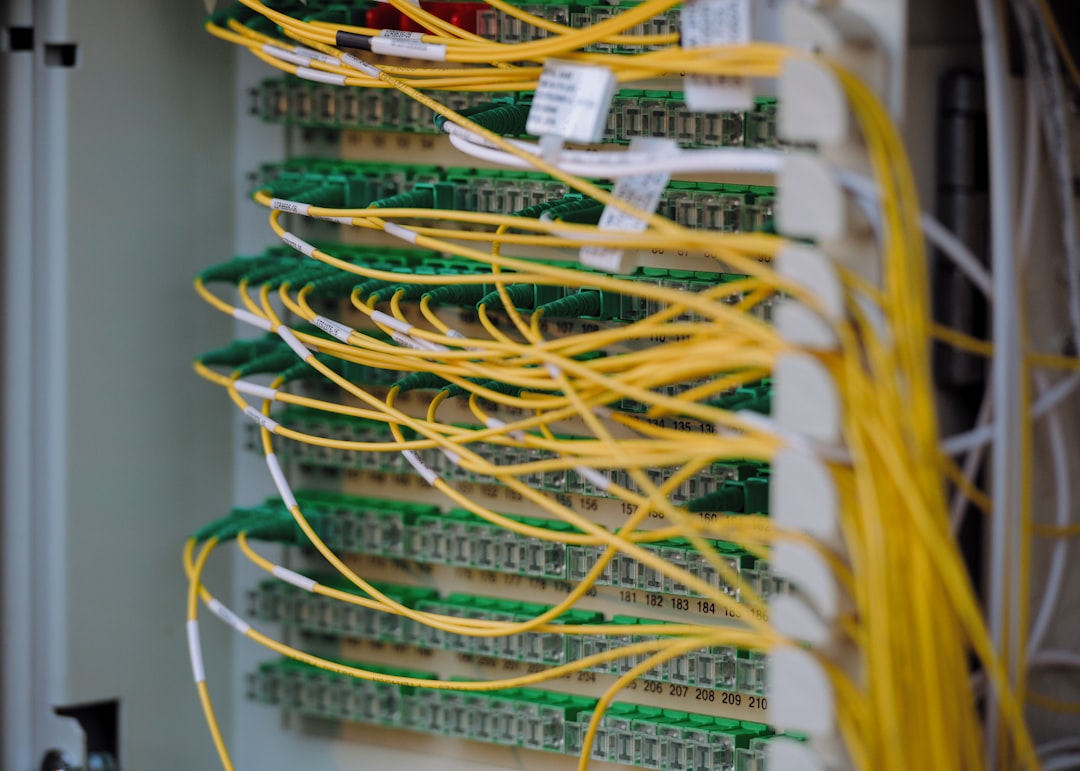
Understanding Virtual Adapters and Teaming
When teaming is configured, Windows typically creates a new, virtual network adapter that represents the combined connections. This adapter receives its own MAC address and appears to the system and networks as if it were a single connection.
Behind the scenes, the Microsoft Network Adapter Multiplexor Protocol handles the mapping and traffic routing between the physical adapters within the team. It ensures load is balanced and that failover activates appropriately if one adapter goes down.
Related Technologies
The Microsoft Network Adapter Multiplexor Protocol isn’t the only player involved in NIC teaming or network redundancy. Similar or auxiliary technologies include:
- Link Aggregation Control Protocol (LACP) – part of IEEE standards used to combine multiple links
- Switch-dependent teaming – requires special support from your networking hardware
- Windows Server NIC Teaming – built-in functionality better suited for server environments
In contrast to third-party alternatives, the Microsoft implementation is integrated into the OS and offers native support, though it may be more limited than robust enterprise solutions.
Is the Protocol Safe?
Yes, the protocol is entirely safe. It is a built-in part of Windows and serves a legitimate technical function. It’s often mistaken for malware or bloatware because it’s unfamiliar to most users, but rest assured that it’s a genuine Microsoft networking component.
However, if you notice your system behaving abnormally and the Multiplexor Protocol is active, it is worth double-checking whether any unauthorized changes were made to your network settings.
Conclusion
The Microsoft Network Adapter Multiplexor Protocol is a specialized feature of Windows designed to support network adapter teaming — a method of combining multiple network connections for enhanced performance or failover protection. While vital in some enterprise settings, it remains mostly unused by typical consumers and should not be tampered with casually.
Unless you are configuring high-availability systems or optimizing server performance, there is no need to enable or adjust this protocol. Understanding its function, however, helps demystify an otherwise obscure element of Windows networking and ensures smarter system maintenance decisions.


