
In the evolving world of academic publishing, recognition often comes down to impact—and few tools have been as empowering to researchers as Google Scholar. With its user-friendly interface and comprehensive index of scholarly literature, Google Scholar has revolutionized how citations are measured and academic influence is evaluated. At the heart of this system lies Author Metrics—a powerful feature that allows scholars to track their scholarly impact via citation statistics.
TL;DR
Google Scholar Author Metrics provides researchers with valuable insights into how often their work is cited, helping assess academic influence through various statistical indicators. The most well-known of these are the h-index and i10-index, which are prominently displayed on an author’s profile. These metrics don’t just offer personal validation—they’re increasingly used in hiring, tenure, and funding decisions. If you’re a researcher, setting up your Google Scholar profile and understanding these metrics is essential for your academic visibility.
What Are Google Scholar Citations?
Google Scholar indexes scholarly articles across many disciplines and sources—journals, conference papers, theses, books, abstracts, and patents. When an article in this ecosystem cites another, that relationship is logged, steadily building a citation network. Google Scholar Citations, a feature enabled by author profiles, helps individual researchers track their own citation history.
Once an author creates a profile, it automatically updates with information such as:
- Total citations
- Citations by year
- h-index
- i10-index
- Author’s frequently cited papers
This functionality gives both authors and readers insights into how scholarly work is disseminating and influencing ongoing research.
Setting Up a Google Scholar Profile
If you’re a researcher and haven’t yet created a Google Scholar profile, you’re missing out on a powerful tool. The good news? Setting one up is incredibly easy:
- Go to Google Scholar.
- Click on “My Profile” and sign in with your Google account.
- Input your name, affiliation, and research areas.
- Add your scholarly articles manually or let Google suggest matches for you.
- Make your profile public so others can find and follow your work.
Once set up, your profile becomes a dynamic hub for your citation data. Updates depend on Google’s indexing speed, but they generally occur automatically without further input needed.

Understanding the Key Metrics
Now let’s dig into the core of Google Scholar’s citation system—Author Metrics. Two main numbers define your citation impact:
1. The h-index
This metric aims to balance quantity and quality. An author has an h-index of h if they’ve published h papers, each of which has been cited at least h times. For example, a researcher with an h-index of 15 has written 15 papers that have each been cited 15 or more times.
Why it matters: The h-index can serve as a quick benchmark for scientific output and impact. Unlike total citations, which can be skewed by one highly cited paper, the h-index prioritizes consistent performance across publications.
2. The i10-index
Invented by Google Scholar, the i10-index is the number of papers with at least 10 citations. It’s simple, binary, and easy to understand.
Why it matters: While not as nuanced as the h-index, the i10-index gives a quick sense of how many of your papers have achieved a minimum threshold of impact.
Both these metrics are displayed prominently in each Google Scholar profile and can be seen by anyone, giving an instant overview of a scholar’s influence in their field.
The Citations Timeline
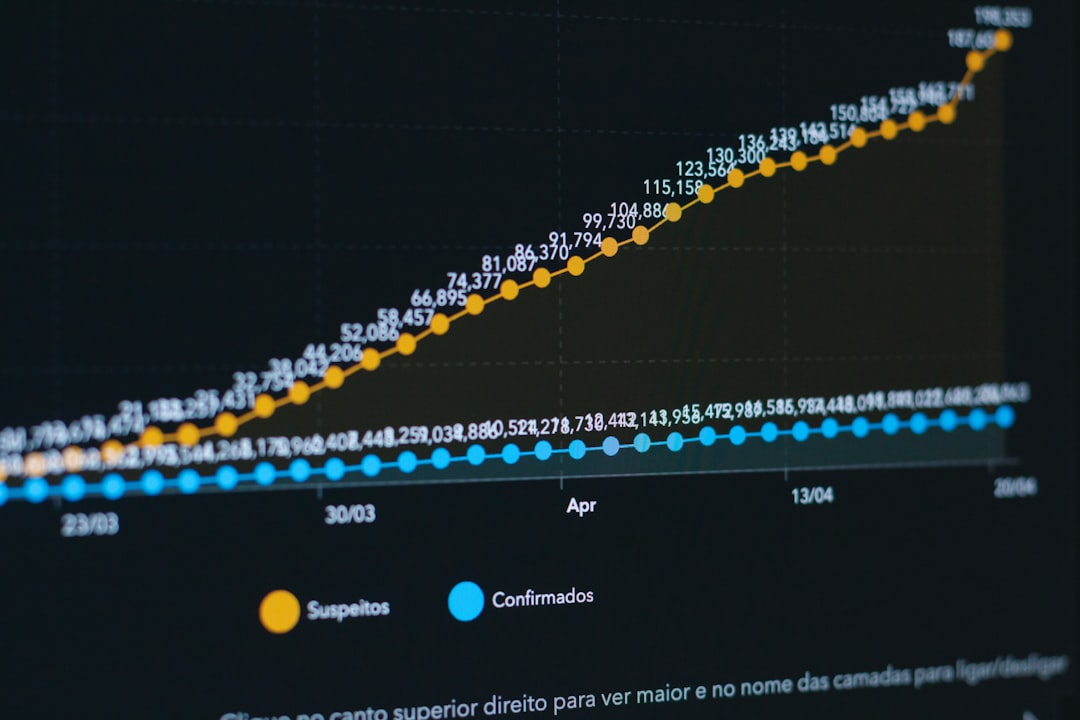
One of the most visually informative parts of Google Scholar profiles is the citations per year chart. This rising or falling line provides a fluid visual of your academic reach over time. Many researchers use this chart to reflect on their productivity or showcase research peaks for evaluations.
Author Metrics in Academic Evaluation
These days, citation metrics are more than mere bragging rights. They play a role in everything from job applications to grant proposals, and even institutional rankings. Here’s how:
- Tenure & Promotion: Committees often consult h-indexes and citation counts to evaluate long-term academic productivity.
- Grant Applications: Funding agencies use citation data to judge the credibility and past impact of applicants.
- Public Recognition: Frequently cited researchers gain media attention and invitations to speak at conferences.
Be warned, though: while useful, these numbers shouldn’t be the only measure. Different fields have very different citation patterns—what’s a high h-index in biology might be average in computer science or low in philosophy.
Following and Comparing Authors
Google Scholar also lets users “Follow” authors. When you follow someone, you’ll receive email updates about their new publications and citation milestones. It creates a dynamic academic network—perfect for staying on top of what top minds in your field are doing.
Additionally, you can view the metrics of other researchers to benchmark your own progress. However, be cautious not to get into a “citation race.” Metrics matter, but they shouldn’t drive your entire research agenda.
Common Pitfalls and Accuracy Issues
Despite its many advantages, Google Scholar is not perfect. Here are a few things to watch out for:
- Duplicate Entries: Sometimes the same paper is indexed more than once, inflating counts.
- Incorrect Author Attribution: Articles may be mistakenly assigned to similar names.
- Self-Citations: Citations to your own work are included by default, potentially skewing metrics.
Fortunately, you can manually clean your profile, merge entries, and remove invalid citations. Taking regular time to maintain your profile will ensure your metrics are both reliable and impressive.
Why Google Scholar Over Other Platforms?
There are other citation platforms—like Scopus, Web of Science, and ResearchGate—but Google Scholar has some unique advantages:
- It’s Free: No institutional subscription needed.
- Broader Coverage: Includes non-traditional sources like theses and conference proceedings.
- User Friendly: Clean layout, simple setup, and automatic updates.
- Highly Accessible: Globally available and easy to navigate from any device.
For many researchers, particularly those early in their careers or working in developing countries, Google Scholar represents an invaluable equalizer in the world of citation metrics.
Final Thoughts
Google Scholar Author Metrics provide a window into your academic legacy. They allow you to quantify your success, track the influence of your ideas, and put your name on the map in your field. While not the only metric that matters, they are increasingly hard to ignore.
If you’re an academic, setting up and maintaining your Google Scholar profile might be one of the smartest and easiest steps you can take for greater professional visibility and credibility. So dive in, explore your metrics, and let the data tell your research story.


