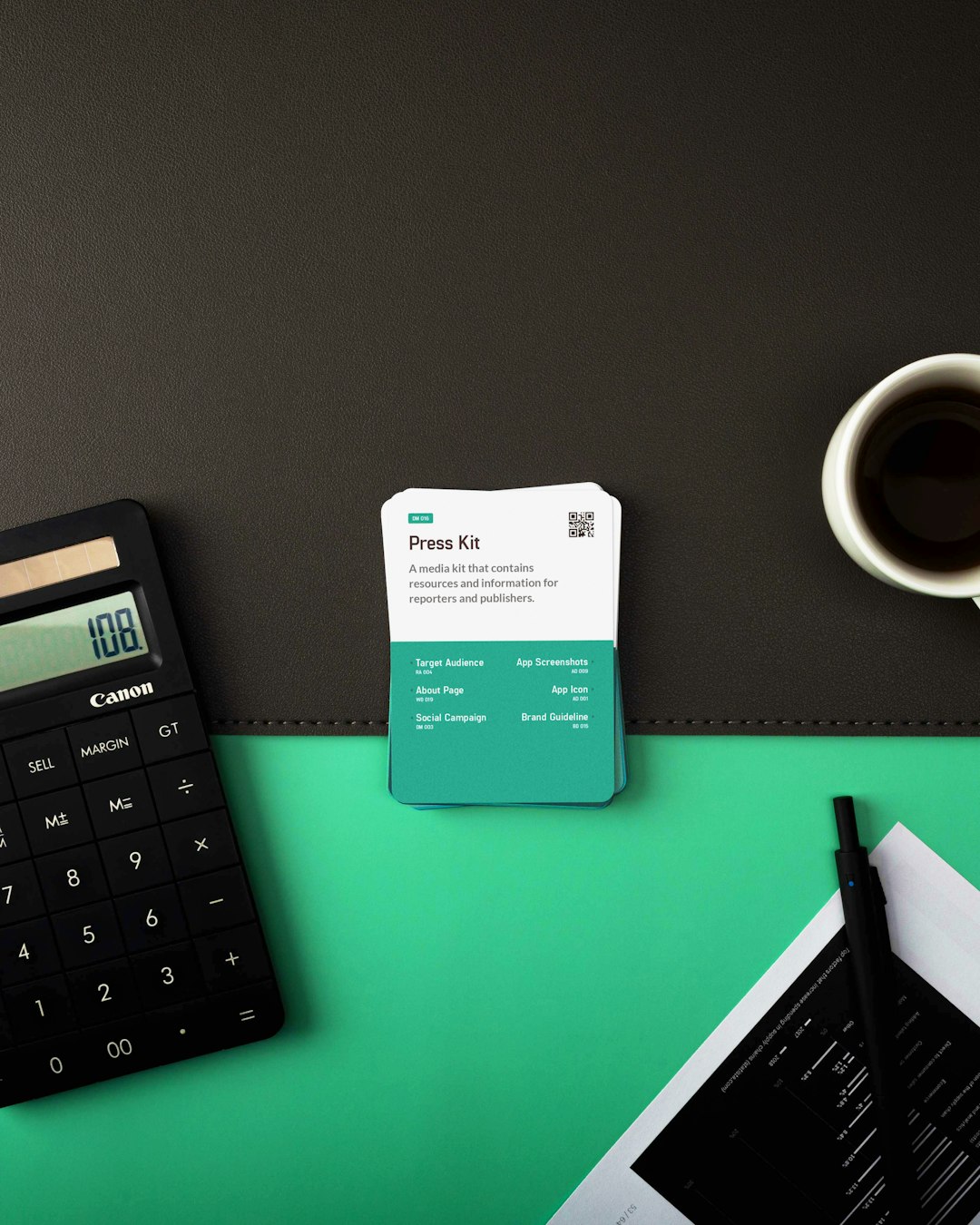
Designing a business card doesn’t have to be scary. You don’t need to be a pro or shell out hundreds of dollars! There are easy, lightweight tools non-designers use every day to whip up beautiful business cards in no time. If you’re thinking, “But I don’t know how to design!” — relax. These tools do most of the heavy lifting for you.
TLDR:
Don’t stress about complicated design software. There are a bunch of easy tools built just for non-designers like you. Whether you need a card fast or want full control, these platforms make it simple. You’ll create a professional-looking business card in minutes, no experience needed.
1. Canva – The King of No-Fuss Design
Perfect for: Beginners who want great designs fast
Canva is like that helpful friend who always knows how to make things look awesome. With drag-and-drop tools and tons of free business card templates, it takes just minutes to create stunning designs.
- Drag and drop interface – super easy!
- Free and paid templates
- Customize fonts, colors, logos, and more
- Download as PDF or send straight to print
No experience? No problem. Canva is built for people who’ve never designed anything before. Just choose a template and start editing.
2. VistaCreate – Slick and Speedy
Perfect for: Quick marketing materials that match
VistaCreate (formerly Crello) is like Canva’s cool cousin. It has the same easy-to-use vibe, but with a few different features that marketers love.
- Pre-made business card templates
- Easy brand kit feature for logos and colors
- Drag-and-drop design creation
- Export directly to digital or print
Want all your materials — cards, flyers, social posts — to match? VistaCreate helps you do that without any design know-how.
3. Adobe Express – Simple by Design
Perfect for: Those who trust Adobe but don’t want the full Photoshop
If you hear “Adobe” and think “Ahh, too hard!” — wait. Adobe Express is nothing like Photoshop. It’s Adobe’s version of an easy design tool for folks who don’t want the complicated stuff.
- Clean dashboard and ready-to-use templates
- Edit text, colors, and elements easily
- Download high-quality files in seconds
- Syncs with free Adobe cloud storage
You don’t need to be a designer. Adobe Express handles the technical side while you simply choose what looks good.
Image not found in postmeta4. Moo Business Card Maker – Print-First Perfection
Perfect for: People who want to design and order cards in one place
Moo is known for high-quality printing. But did you know they also have a built-in card designer? It’s super intuitive and walks you step-by-step through the process.
- User-friendly template builder
- Unique print options – rounded corners, luxe cards
- Live preview of your design
- No design experience required
Choose a template, upload your logo, edit the text and boom — your cards are ready to print. Moo even checks the quality so you don’t mess up print resolution.
5. Shopify Hatchful – For Brand-First Creators
Perfect for: Entrepreneurs who want to build a brand fast
Mostly used for logos, Hatchful also lets you create matching business cards. The goal? Branding made easy for non-designers.
- Start with your brand’s vibe – casual, sleek, fun, etc.
- Get logo and branding assets instantly
- Use them on business card templates
- Simple interface with guided steps
If you’re starting fresh and want your business card to match everything else, Hatchful is a fast and free solution.
6. Business Card Maker by Shopify – Zero Learning Curve
Perfect for: You need a professional card in under 5 minutes
This might be the easiest tool on the list. Shopify’s free Business Card Maker has one job — make a card fast.
- Just fill in your details – name, role, company
- Pick your font and color
- Download the ready-to-print card
There’s no extra fluff. No overwhelm. Just visit the tool, fill it out, and download. That’s it. Ideal for busy folks or last-minute networkers.
Quick Comparison Table
| Tool | Best For | Free Option | Print Integration |
|---|---|---|---|
| Canva | Creative flexibility | ✅ | ✅ |
| VistaCreate | Consistent branding | ✅ | ✅ |
| Adobe Express | Simplicity with Adobe feel | ✅ | ❌ |
| Moo | Premium quality printing | ✅ | ✅ |
| Hatchful | Brand builders | ✅ | ❌ |
| Shopify Card Maker | Ultra-fast cards | ✅ | ❌ |
Final Thoughts
You don’t need a design degree to make a killer business card. With tools like these, you can go from idea to printed card in less than an hour. Most offer free templates and are so easy, you might actually enjoy the process!
The key is choosing the right tool for your goal:
- Want creativity? Go with Canva or VistaCreate.
- Need speed? Try Shopify’s Business Card Maker.
- Care about printing quality? Moo has you covered.
No matter what you pick, you’ll end up with a card that feels professional and polished — even if you made it in your pajamas.
Simple, right? Go ahead, give one a try and start sharing those fresh new cards!


