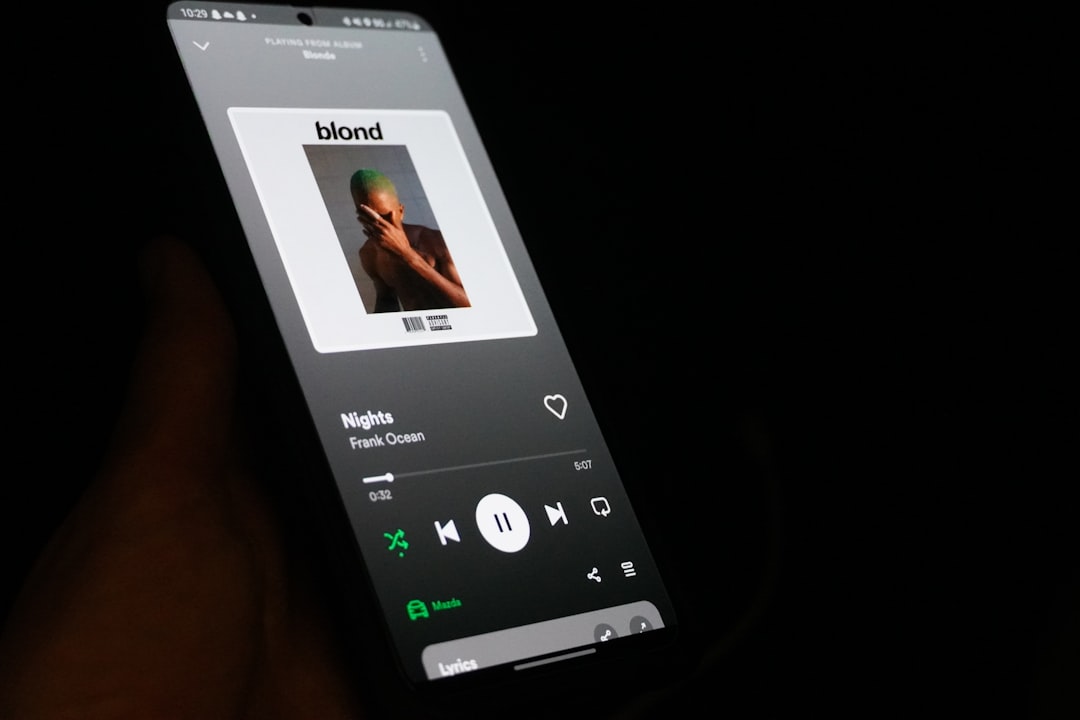
Music is personal. Your playlists can say a lot about you. From late night sadness to loud gym anthems. Spotify knows this. That is why it offers a feature called Private Session. It sounds simple. But there is more going on under the hood. This guide will walk you through it all. Slowly. Clearly. And with a smile.
TLDR: Spotify Private Session hides your listening activity from friends and followers. It stops your music from affecting recommendations and shared feeds. It is easy to turn on, but it is not a total invisibility cloak. Use it wisely, and combine it with smart account security for best results.
What Is Spotify Private Session?
Private Session is Spotify’s version of incognito mode. When it is on, Spotify stops sharing what you listen to.
Your friends will not see your current tracks. Your followers will not see your guilty pleasures. Your activity feed goes quiet.
It also tells Spotify’s algorithm to chill. Songs you play during Private Session do not shape future recommendations.
This is perfect for testing new music. Or replaying one song fifty times. No judgment.
What Private Session Does And Does Not Do
This part matters. A lot.
What it does:
- Hides your listening activity from friends.
- Stops songs from influencing recommendations.
- Keeps activity out of shared feeds.
What it does not do:
- Hide listening from Spotify itself.
- Make you invisible online.
- Encrypt your account data.
- Stop data collection for ads or stats.
Think of it like closing the curtains. Not turning off the lights.
Why People Use Private Session
People use it for many reasons. All are valid.
Some common ones:
- Listening to cheesy music.
- Planning a surprise playlist.
- Researching music for work.
- Sharing an account with family.
- Giving the algorithm a break.
It is not about hiding bad behavior. It is about control.
How To Turn On Spotify Private Session
Good news. It is very easy.
On mobile:
- Open Spotify.
- Tap your profile picture.
- Go to Settings.
- Find Privacy and Social.
- Toggle on Private Session.
On desktop:
- Open Spotify.
- Click your profile name.
- Choose Settings.
- Scroll to Social.
- Turn on Private Session.
You will see a small icon. It confirms you are in Private Session.
How Long Does Private Session Last?
This part surprises people.
Private Session turns off automatically after a set time. Usually around six hours. Or when you close the app.
Spotify does this on purpose. It prevents people from staying hidden forever by accident.
If you want to stay private longer, you must turn it back on.
Set a reminder if you need it.
Is Spotify Private Session Actually Secure?
Let us be real. It is private, but not ultra secure.
Spotify still tracks listening for internal reasons. This includes:
- Playback data.
- Licensing reports.
- Bug fixing.
Your internet provider can still see traffic. Your device still stores cache data.
Private Session is about social privacy. Not hidden identity.
That does not make it useless. It just sets boundaries.
Private Session vs Offline Mode
People often confuse these two.
They are different tools.
Private Session:
- Hides activity from others.
- Still online.
- Streams music normally.
Offline Mode:
- No internet connection.
- Only plays downloaded songs.
- No syncing until online.
You can use both together. That is extra quiet.
Common Myths About Private Session
Let us bust a few myths.
Myth: Spotify cannot see what I play.
Truth: Spotify still logs plays internally.
Myth: Friends can never know.
Truth: If you share a playlist manually, they will know.
Myth: It protects against hackers.
Truth: It has nothing to do with hacking.
Clarity feels good.
How To Use Private Session Safely
Here is where security comes in.
Private Session should be part of a bigger plan.
Smart tips:
- Use a strong password.
- Do not share your account.
- Check active sessions often.
- Log out of unused devices.
- Enable two step login if available.
Private Session hides taste. Security protects access.
When You Should Not Rely On It
There are times when Private Session is not enough.
For example:
- Using public Wi Fi.
- Sharing a family account.
- Concerned about data profiling.
In those cases, look deeper. Review privacy settings. Read data options.
Knowledge is power.
Does Private Session Affect Playlists?
Yes. In a gentle way.
Music played during Private Session will not influence:
- Discover Weekly.
- Release Radar.
- Daily Mixes.
Your playlists stay the same. Likes stay the same.
This is great for exploring genres you do not want stuck forever.
Fun Ways To Use Private Session
Privacy can be playful.
Try this:
- Test karaoke songs.
- Build a secret party playlist.
- Loop one song without shame.
- Study with weird soundtracks.
Music should feel free.
Final Thoughts
Spotify Private Session is a small feature. But it has big value.
It gives control. It reduces pressure. It respects mood swings.
Just remember its limits. It is not a shield against the world.
Use it smartly. Combine it with good security habits.
And enjoy your music. Even the embarrassing tracks.


