Thinking of diving into the world of professional video editing without draining your wallet? You’re in luck! DaVinci Resolve, one of the most powerful video editing platforms on the planet, frequently holds amazing sales events that can save you big bucks. But, how do you make the most out of these limited-time deals?
TL;DR
DaVinci Resolve sales events offer amazing discounts on premium software and bundles. Wait for big holidays like Black Friday or NAB Show for the best deals. Compare bundles and look for extra gear like Speed Editors. Use free trials first so you know exactly what you’re buying. Get more, pay less!
Why DaVinci Resolve?
Before we get into the deals, let’s talk about why DaVinci Resolve is worth your attention. It’s not just another video editor. It’s a professional tool used by Hollywood editors and indie creators alike. And the best part?
- The basic version is completely free.
- The Studio version adds powerful features like noise reduction, 3D tools, and more color grading options.
- It combines editing, color grading, audio, visual effects, and motion graphics in one program.
When Do the Best Deals Happen?
The key to saving money is knowing when to strike. DaVinci Resolve rarely goes on sale randomly. But some events are almost guaranteed to bring discounts.
Top Sale Events to Watch
- Black Friday & Cyber Monday: Massive tech discounts everywhere, including video software and bundles.
- NAB Show (April): Big industry event – Blackmagic Design (makers of DaVinci Resolve) often announces sales and new gear.
- Back-to-School Season (August–September): Ideal for student-friendly deals and bundles.
Set reminders for these! Follow Blackmagic Design on socials or subscribe to their newsletter to stay in the loop.
Buy the Bundle, Not Just the Software
Here’s a smart tip: Don’t just buy the software. Go for a bundle if you can. During many sales, you can get DaVinci Resolve Studio software PLUS hardware like a Speed Editor at a deep discount.
Example: For $295, you might get not only the software but also a Speed Editor (worth $295 by itself!). That’s like getting the editor for free!
Why the Speed Editor Rocks
- Dedicated keys to trim and edit faster
- Awesome jog wheel for precision
- Better workflow = more fun editing!
Don’t need hardware? You can still buy just the software during sales and save money. But it’s good to compare.
Check Local Retailers and Partners
Blackmagic doesn’t always sell directly to consumers. Instead, they work with resellers.
This means prices and promotions may vary depending on where you shop. Be sure to check:
- Amazon
- B&H Photo Video
- Adorama
- Authorized local resellers in your country
Better yet, some sellers offer extra freebies. Think extra software, accessories, or even gift cards.
Use the Free Version First
Not sure if DaVinci Resolve Studio is right for you? Try the free version first. It has most of the core features, so you can get used to the interface without spending a cent.
Then, once you’re familiar and know what you need (like noise reduction or advanced effects), wait for a sale and upgrade.
This way, you’re buying smart—not just emotionally.
Combine with Cashback and Promo Codes
If you’re shopping online, don’t forget these little money-saving ninjas:
- Cashback websites (like Rakuten)
- Credit card deals on tech or electronics
- Promo codes for signing up for a retailer newsletter
Stacking these can get you an extra 5–10% off your final bill. Not bad for a few extra clicks!
Keep an Eye on Blackmagic Gear
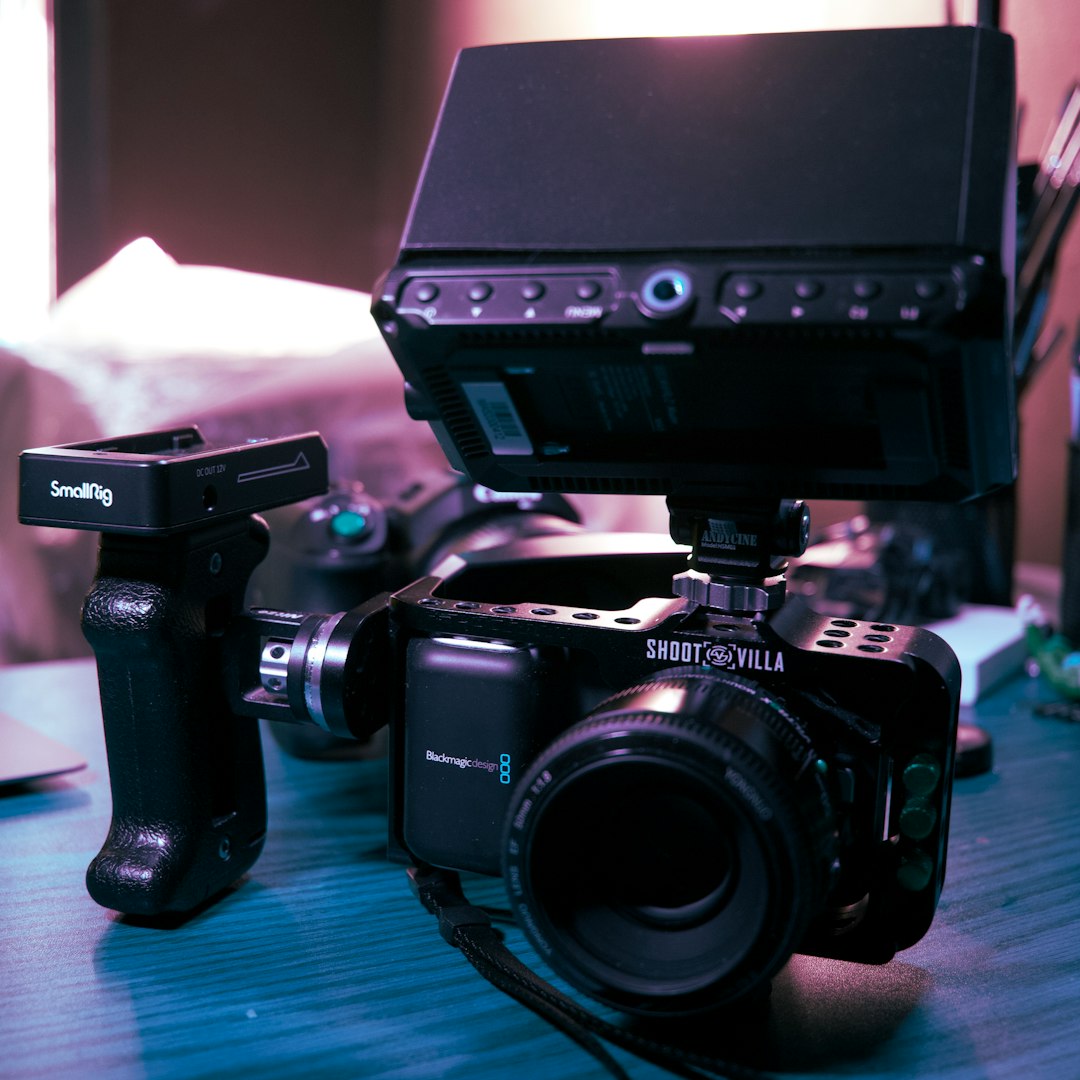
DaVinci Resolve is often bundled with cameras or gear from Blackmagic Design. If you’re in the market for something like a Blackmagic Pocket Cinema Camera, sales might also include a Studio license—saving you the cost of buying it separately!
Buying for a Team? Volume Discounts!
If you’re purchasing for a small business or creative team, consider contacting a reseller about volume pricing. You may be eligible for additional discounts when buying multiple licenses.
This is especially useful for schools, production studios, or YouTube content teams. Everyone gets the tools they need without breaking the bank.
Avoid These Common Mistakes
We’re here to save money, not burn it. So let’s steer clear of these simple errors:
- Waiting too long during a sale – These deals do end, and quickly.
- Buying from sketchy websites – Stick to trusted resellers only.
- Getting the wrong version – Make sure you’re buying DaVinci Resolve Studio if that’s what you want, not the free version repackaged by someone else.
Why Upgrading Is Worth It
You might be wondering: Why even upgrade to Studio?
Here’s what you’re unlocking:
- Advanced Noise Reduction – Make footage look ultra clean
- Lens Correction – Fix those weird wide-angle distortions
- Stereoscopic 3D tools – For filmmakers pushing boundaries
- Multi-user collaboration tools – If you’re working on a team
Those features can save you hours of manual work and elevate your production quality big time.
Recap: How to Max Your Savings
Here’s the cheat sheet — memorize this combo for the best DaVinci Resolve deals:
- Track the right sales seasons: Black Friday, NAB, Back-to-School
- Compare bundles vs software-only – Hardware might be worth it
- Check multiple retailers for the best deal
- Use cashback, codes, and promos
- Use the free version first so you know what you’re buying
Start Editing Like a Pro – Without Paying Like One
DaVinci Resolve is already one of the best deals in the video editing world. Add a big sale, and it’s a no-brainer.
With the right timing and a little planning, you can own professional editing software (and maybe hardware too) at a fraction of the price. And that’s a win worth exporting in 4K!
So keep an eye out, stack those discounts, and happy editing!


