Instagram has become a crucial platform for personal branding, marketing, and social engagement. But what happens when your profile gets banned, and you receive a notification that seems to come out of nowhere? Whether the ban happened because of a misunderstanding, a system glitch, or a violation you were unaware of, navigating the road to recovery starts with the Instagram Appeal Form.
TL;DR
If your Instagram account was banned or disabled, don’t panic. You can use the Instagram Appeal Form to request a review of your profile. Fill out the form accurately, include all necessary details, and be calm and respectful in your communication. If legitimate, your account could be restored in just a few days.
Why Instagram Bans Accounts
Before diving into how to use the appeal form, it’s helpful to understand why accounts get banned in the first place. Instagram takes its community guidelines seriously to ensure a safe environment for all users. Common reasons include:
- Spamming or using automation tools
- Posting inappropriate or copyrighted content
- Engagement in harassment or hate speech
- Fake profiles or identity misrepresentation
- Mass following and unfollowing behavior
Some users also find their accounts disabled due to suspected hacking activity or unusual login attempts. In such cases, you may receive a message saying your account was “disabled for violating Instagram’s terms.”
What Is the Instagram Appeal Form?
The Instagram Appeal Form is essentially your way of saying, “I believe this ban was a mistake. Please review it.” It’s a digital form submitted to Instagram’s support team where you can make your case. The key here is to be accurate and honest in your appeal.
You can access the appropriate appeal form based on the specific reason your account was disabled. Instagram has several versions of the form related to various violations or situations, and choosing the correct one is crucial for a successful appeal.
Here are the common scenarios and their respective forms:
- Personal Account Disabled: instagram.com/hacked
- Account Disabled for Pretending to Be Someone Else: Report impersonation
- Business or Creator Account Bans: Business account appeal
- Generic Appeals: Appeal form for disabled accounts
Step-by-Step Guide to Submitting the Instagram Appeal Form
Now that you’ve located the correct form for your situation, follow these steps to submit it effectively.
1. Read All Instructions Carefully
Each form has a slightly different set of instructions, so don’t rush past them. Make sure you understand what information Instagram is asking for, and prepare it in advance.
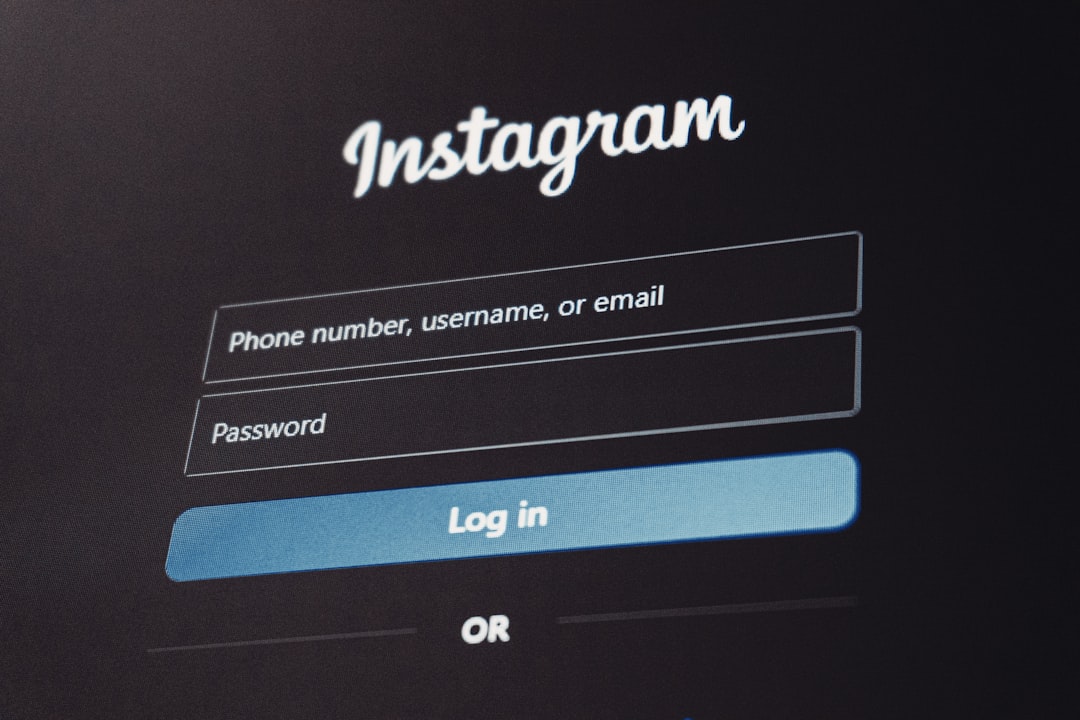
2. Provide Accurate Personal Details
The form will likely ask for your full name, Instagram username, and email address associated with your account. Double-check this information to prevent delays in processing your request.
3. Be Honest and Specific in Your Explanation
Provide a brief, clear explanation of why you believe your account was banned incorrectly. Stay calm and stick to the facts—avoid emotional or aggressive language.
Example: “My account was disabled for spam activity. I believe this is a mistake as I have not used any third-party automation tools. Please review my profile.”
4. Submit Supporting Documentation (if requested)
In some versions of the appeal form, you may be asked to upload a photo of yourself holding a handwritten verification code. This ensures you’re the real owner of the account.
5. Press Submit and Wait
Once you’ve filled out everything correctly, click the Submit button. Instagram typically replies within 24–72 hours, although it can take longer in some cases. Check your email (including spam folder) regularly for responses from the Instagram support team.
Tips to Increase Your Success Rate
While there’s no guaranteed way to recover a banned account, applying these best practices can improve your chances:
- Stay professional: Treat this like a formal communication, not a rant.
- Use your original email: Always use the email used to register the account.
- Don’t spam the form: Multiple submissions will not speed up the process. In fact, it may slow things down.
- Avoid 3rd-party services: Never trust services that claim to “guarantee” reinstatement for a fee.
What Happens After Submitting the Appeal?
If your application is successful, you’ll receive an email stating that your account has been reinstated. You might be asked to reset your password as a precaution. If your appeal is denied, the email will typically state the reason, and in some cases, you may be given another opportunity to submit more information.
In complicated cases or if you lose access to your registered email, the process might become more involved. Be persistent, but always respectful.
Alternative Methods to Contact Instagram Support
While the official appeal form is the primary method, some users try reaching Instagram in other ways:
- Instagram Help Center: Navigate to help.instagram.com.
- Facebook Business Support: If your Instagram is linked to a business account on Facebook, you might get live chat options.
- Direct Messaging on Social Media: Some users have had luck sending a respectful DM to Instagram’s Facebook or Twitter accounts.
Although response rates via these methods can vary, it doesn’t hurt to explore them if the official route isn’t producing results.
Conclusion
Having your Instagram account banned can be stressful, especially if it’s an integral part of your personal or professional life. Fortunately, Instagram provides a relatively straightforward way to resolve such issues through the appeal form.
The key steps include choosing the right form, providing correct and honest information, remaining professional, and being patient while awaiting a verdict. While not every appeal is successful, many users have found that a well-composed and respectful submission can go a long way in getting their accounts back online.
Knowledge is power, and now that you know how to navigate the appeal process, you’re one step closer to regaining control of your digital presence.


