In today’s digitally driven world, your key fob is more than just a remote—it’s your access point to your vehicle’s security and convenience features. Be it locking or unlocking the doors, starting the engine remotely, or triggering the panic alarm, a key fob plays an essential role in your day-to-day convenience. However, when the battery starts to die, you’ll notice glitches or complete failure. Thankfully, changing the battery in a key fob is a relatively simple DIY task that anyone can manage with a little guidance.
TLDR
If your key fob is responding inconsistently or not working at all, the likely cause is a dead battery. Changing the battery typically involves opening the fob case, removing the old battery, and installing a new one—usually a coin-cell battery like CR2032. Always refer to your car’s manual or check inside the fob for the correct battery type. You’ll only need a small flathead screwdriver and about five minutes of your time.
Why Your Key Fob Battery Matters
Your car key fob is a compact, wireless device that communicates with your vehicle via radio frequencies. When its battery starts to weaken, the fob might:
- Lose range, meaning you have to stand closer to your vehicle for it to work
- Require multiple button presses
- Fail to function entirely
Since a dead key fob battery can prevent you from entering and starting your car—especially if your vehicle has a push-button start—it’s wise to replace it at the first sign of trouble.
Tools and Materials You’ll Need
Before you start, gather the following:
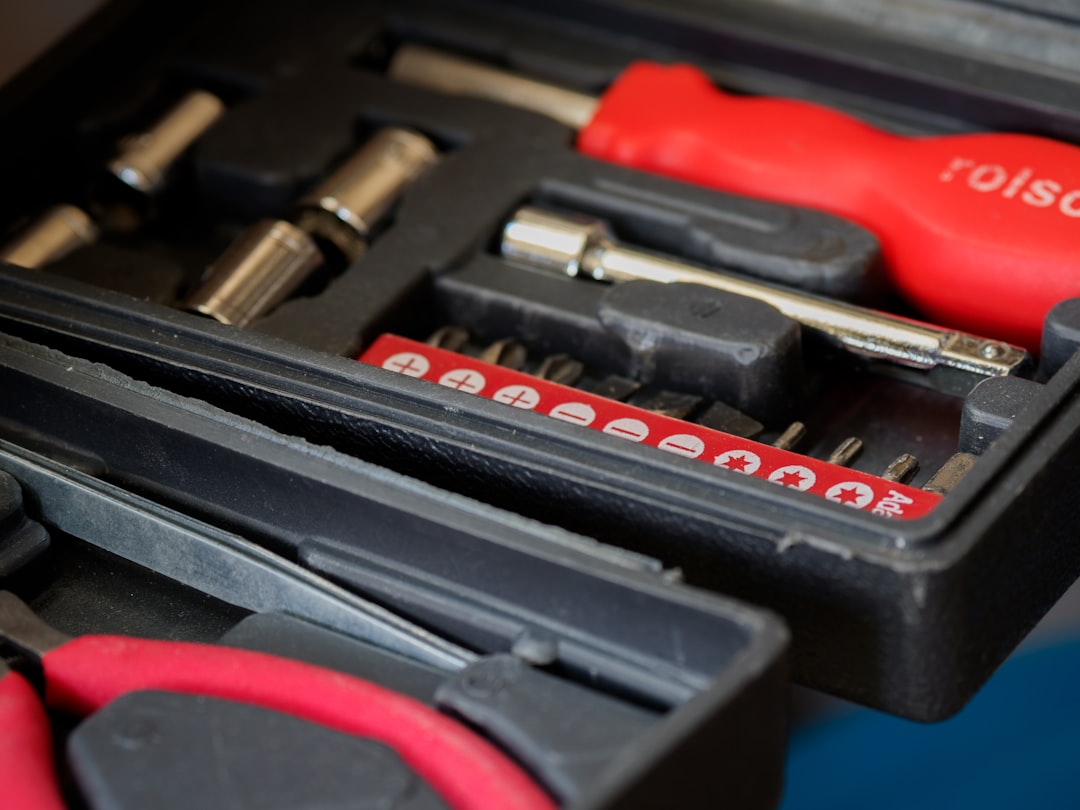
- Flathead screwdriver – Preferably a smaller one, like a jeweler’s screwdriver
- Replacement battery – Coin-cell lithium battery (often CR2032 or CR2025)
- Cloth or towel – To protect the key fob and prevent parts from slipping away
- Your car’s owner manual – To confirm battery specifications and instructions for your specific model
Depending on your key fob type, the battery model might vary, so it’s critical to confirm compatibility before proceeding.
Step-By-Step Process to Replace a Key Fob Battery
-
Identify the Battery Type
Check your owner’s manual or the current battery itself for the correct model number. Most key fobs use CR2032, CR2025, or similar coin-cell batteries.
-
Locate the Seam and Pry Open the Fob
Examine the key fob for a visible seam—it may also have a slot directly designed for prying. Insert the flathead screwdriver into this area and gently twist to pop open the cover. Be cautious to avoid jamming or damaging internal components.
Tip: Place a soft cloth beneath the fob to catch the internal parts and prevent them from bouncing away.
-
Remove the Old Battery
Carefully note how the battery is oriented (usually with the ‘+’ side facing up or down) before removing it. Use the screwdriver or your fingernail to lift it out gently.
-
Insert the New Battery
Place the new battery in the same orientation as the old one. Make sure it’s seated firmly and in full contact with the terminals.
-
Snap the Fob Back Together
Line up the two halves of the fob and press them together until you hear them click securely into place. If you notice misalignment, open it again and reposition.
-
Test Its Functionality
Try locking or unlocking the car, or triggering the panic button. If the fob still doesn’t work, double-check that the new battery is inserted correctly and that the contacts are clean and corrosion-free.
Common Battery Models and Where to Buy Them
Most key fobs use coin-cell batteries. The most common models include:
- CR2032: 3V lithium battery with widespread use in remotes, scales, and watches
- CR2025: Slightly thinner than CR2032, also 3V
- CR2450: Larger and less commonly used, but sometimes found in newer smart fobs
You can purchase these from:
- Pharmacies and grocery stores
- Hardware stores like Home Depot and Lowe’s
- Online retailers such as Amazon or Walmart.com
- Automotive stores like AutoZone or Advance Auto Parts
Buy batteries from a trusted brand such as Energizer, Duracell, or Panasonic to ensure longevity and reliability.
Tips for a Successful Battery Replacement
To extend the life of your key fob and battery:
- Clean contacts: A cotton swab with a little rubbing alcohol helps remove corrosion.
- Limit unnecessary usage: Avoid hitting buttons repeatedly or over long ranges, which drains battery life faster.
- Spare fob awareness: If you own a second fob, replace both batteries around the same time to avoid staggered failures.
Caution: Do not mishandle button cell batteries—they can be harmful if swallowed, especially by children.
How Often Should You Replace a Key Fob Battery?
Most key fob batteries last between 3 to 5 years, depending on usage. If your fob has smart proximity features (automatically unlocking as you approach), the battery may drain faster due to constant communication with the vehicle.
Signs it’s time to replace the battery include:
- Reduced range
- Delayed response
- Inconsistent performance
- Dashboard warnings (some cars display a “low key battery” alert)
When to Call a Professional
Although replacing a key fob battery is straightforward, some models—especially high-end or luxury vehicles—may have embedded security systems or glued enclosures that complicate the task. In such cases, it’s best to visit a dealership or an automotive locksmith.
Also, if after battery replacement your fob still doesn’t work, it could be due to:
- Internal circuit damage
- Desynchronization with the car
- Incorrect battery installation
Conclusion
Changing the battery in a key fob is a basic maintenance task that can save you time and frustration. With just a few tools and the correct replacement battery, you can restore full functionality to your vehicle’s remote in minutes. Always handle the internal components with care and consult your user manual when in doubt. By staying proactive and replacing your key fob’s battery as needed, you’ll ensure consistent access to your vehicle and avoid being locked out at the worst possible moment.


