Streaming blocked? Wi‑Fi feeling unsafe? Want to try Proton VPN without paying upfront? You’re in the right place. In this guide, I’ll show you how to get a Proton VPN free trial in 2026 using three simple methods. No tech jargon. No confusing steps. Just clear instructions you can follow in minutes.
TLDR: You can try Proton VPN for free using three main methods: the official free plan, the 30‑day money‑back guarantee, or limited-time partner and mobile store offers. The easiest option is the built-in free plan with unlimited data. If you want full premium features, use the refund method safely within 30 days. Below, I walk you through each step.
Why Try Proton VPN in 2026?
Proton VPN is one of the most trusted VPNs in the world. It’s built by the same team behind Proton Mail. Privacy is their main focus. In 2026, it’s stronger and faster than ever.
- Strong encryption
- No-logs policy
- Servers worldwide
- Works on Windows, Mac, Android, iOS, and more
But here’s the thing. Premium plans cost money. So how do you try it for free first?
Method 1: Use Proton VPN’s Official Free Plan (Unlimited & Safe)
This is the easiest method. And yes, it’s 100% legal.
Proton VPN offers a completely free plan. No credit card required. No trial countdown. Just sign up and use it.
Step-by-Step Guide
- Go to Proton VPN’s official website.
- Click Get Proton VPN Free.
- Create a free account using your email.
- Download the app for your device.
- Log in and connect to a server.
That’s it. You’re protected.
What’s Included in the Free Plan?
- Unlimited data (yes, unlimited)
- Access to servers in 3 countries
- One device connection
- No ads
What’s NOT Included?
- No streaming-optimized servers
- No fastest speeds
- No access to all country locations
This option is perfect if you:
- Just want basic protection
- Use public Wi‑Fi often
- Don’t need streaming access
Best part? There is no time limit.
Method 2: Use the 30-Day Money-Back Guarantee (Full Premium Access)
Want everything unlocked? This is your move.
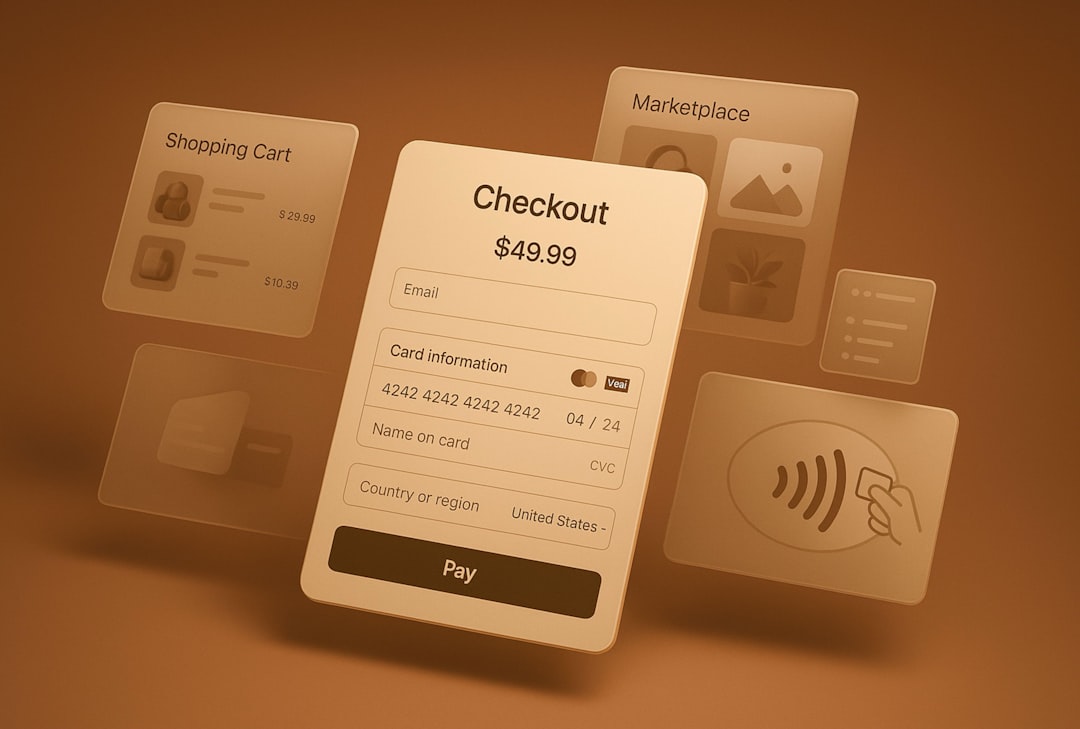
Proton VPN offers a 30-day money-back guarantee on paid plans. That means you can use the full premium version. Then request a refund within 30 days.
Simple. Safe. Popular.
Step-by-Step Guide
- Go to Proton VPN’s website.
- Choose a premium plan (usually Proton Unlimited or VPN Plus).
- Create your account.
- Enter payment details.
- Download and start using premium features.
Set a reminder for day 25. Just to be safe.
How to Request a Refund
- Log into your Proton account.
- Go to Support.
- Submit a refund request ticket.
- Wait for confirmation.
Refunds are typically processed within a few days.
What You Get With Premium
- Servers in 60+ countries
- Streaming support
- Fast speeds
- Secure Core servers
- Multiple device connections
Important Tip
Be honest. Don’t abuse the system repeatedly. Companies track misuse. Use this method responsibly.
This method is best if you:
- Want to test streaming
- Need it for travel
- Want full access temporarily
Method 3: Look for Mobile Store or Partner Promotions
This one is more “hidden.” But it works.
Sometimes Proton VPN offers limited-time free trials through:
- Google Play Store promotions
- Apple App Store trials
- Partner bundles
- Student deals
How To Check for These Deals
- Open Google Play or Apple App Store.
- Search for Proton VPN.
- Look for “Free Trial” under subscription options.
- Check student discount platforms if you’re enrolled.
These offers usually last:
- 7 days
- 14 days
- Sometimes 30 days
Warning
App store trials often auto-renew. Cancel at least 24 hours before the trial ends to avoid being charged.
This method is great if you:
- Prefer mobile billing
- Don’t want to contact support for refunds
- See an active promotion available
Comparison Chart: Which Free Method Is Best?
| Method | Cost Upfront | Premium Features | Risk Level | Best For |
|---|---|---|---|---|
| Official Free Plan | $0 | Limited | None | Basic browsing protection |
| 30-Day Refund | Yes | Full Access | Low (if canceled properly) | Streaming & full testing |
| App Store Promotions | No (if trial) | Full Access | Medium (auto-renew risk) | Mobile users |
Which Method Should You Choose?
Let’s simplify it.
- If you want zero hassle → Use the official free plan.
- If you want full power temporarily → Use the refund method.
- If you see a limited trial promo → Grab it fast.
For most people, I recommend starting with the free plan. Then upgrade if needed.
Common Questions About Proton VPN Free Trials
Is Proton VPN free forever?
Yes. The basic version is free with unlimited data. But features are limited.
Do I need a credit card for the free plan?
No. Only paid plans require payment details.
Can I get multiple free trials?
Technically, making multiple accounts goes against fair use policies. It’s not recommended.
Is the free version safe?
Yes. Proton VPN does not show ads or sell your data. Even the free plan is secure.
Tips to Make the Most of Your Free Access
Here are a few smart moves.
- Test speeds at different times of day.
- Try multiple server locations (if premium).
- Check streaming performance early.
- Set calendar reminders for trial expiration.
Also, test it on all your devices. Phone. Laptop. Tablet. See how it feels.
Final Thoughts
Getting a Proton VPN free trial in 2026 is actually very simple. You just need to pick the method that fits your goals.
Want risk-free and permanent? Choose the official free plan.
Want full premium streaming and speed? Use the 30-day money-back guarantee.
Found a mobile promotion? That could be a quick win.
No matter which option you pick, you’ll get strong privacy protection. And in today’s digital world, that matters more than ever.
Stay safe. Browse smart. And enjoy testing Proton VPN without paying a cent.


