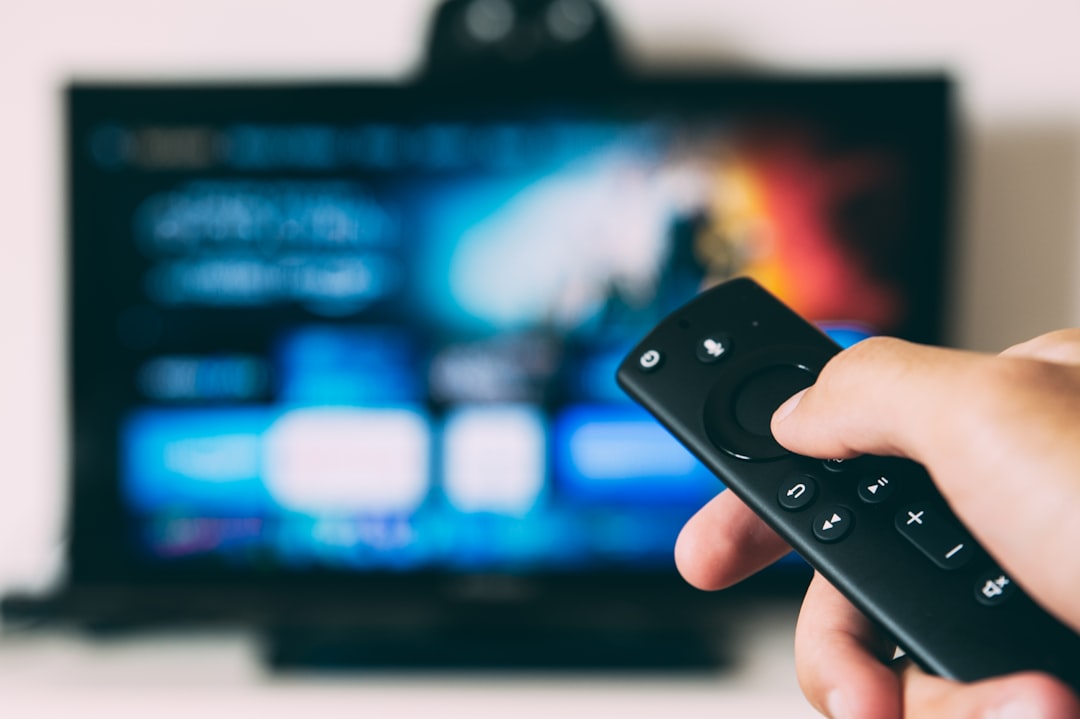
Diggz Xenon is the best all-round Kodi build for most Fire TV users, but it is not the only sensible choice. Fire TV hardware is tight on space; even the Fire TV Stick 4K Max lists 16GB of storage, so oversized builds can get annoying fast [source: Amazon].
TLDR: Pick Diggz Xenon if you want a polished Kodi setup with a familiar streaming-style layout. Choose Misfit Mods Lite or Green Monster if your Fire TV feels slow and you need something lighter. For example, if your Kodi startup time is over 45 seconds, switching from a heavy build to a lighter one can make daily use feel far less painful. If you only play your own movie and TV library, skip community builds and use Plex, Jellyfin, or Emby instead.
1. Diggz Xenon
Best for: most Fire TV users who want a full Kodi experience.
Diggz Xenon is popular for a reason. It looks clean, has clear sections, and feels closer to a commercial streaming app than a plain Kodi install. On a Fire TV Stick 4K or Fire TV Cube, it usually feels smooth enough once cached images have loaded.
The catch is that it can feel heavy on older Fire TV devices. Menus may pause for a second or two, especially after updates. That gets old if you just want to open Kodi and play something quickly.
Use it if: you want a ready-made layout with movies, shows, sports-style sections, widgets, and a polished home screen. Keep an eye on add-ons, though. Only use legal sources, official services, and media you have the right to watch.

2. Misfit Mods Lite
Best for: older Fire TV Sticks and users who hate lag.
Misfit Mods Lite is a better fit when speed matters more than visual flash. It is simpler, lighter, and easier on limited Fire TV storage. Honestly, it feels like many builds forget that Fire TV is not a desktop PC. This one at least tries to stay practical.
The design is not as slick as Diggz Xenon. Some menus feel basic. Still, that is the point. A lighter build means fewer background images, fewer widgets, and less waiting.
- Strength: good speed on modest hardware.
- Weak spot: less polished appearance.
- Good match: Fire TV Stick Lite, older Fire TV devices, and small storage setups.
3. Green Monster
Best for: users who want a bold interface with many sections.
Green Monster has been used by many Kodi fans because it gives a large, organized interface without feeling totally chaotic. It suits people who want categories laid out clearly and do not mind a busier screen.
It can still slow down if you enable too many widgets. Expect to waste time on cleanup if you install everything and never remove unused add-ons. That is true for most community builds, not just this one.
Practical tip: after installing any build, remove sections you never use. It saves space and reduces background loading. On Fire TV, small cleanup work pays off.
4. Doomzday Builds
Best for: users who like choice and regular community updates.
Doomzday is not just one look. It is a collection of builds, with options that range from lighter layouts to fuller media-center designs. That makes it useful if you want to test different Kodi setups without hunting across many random sources.
The downside is simple. Too many choices can become a chore. New users may not know which version to install. If you are unsure, pick the lighter option first. Fire TV devices respond better to lean builds.
Image not found in postmeta5. No Build, Plus Plex or Jellyfin
Best for: users who own local media and want stability.
This is not a Kodi build, but it may be the smartest option. A plain Kodi install with the default Estuary skin is fast, clean, and much easier to maintain. Add only what you need. If your media is stored on a home server, NAS, or computer, pair Fire TV with Plex, Jellyfin, or Emby.
Plex is the easiest for most households. Jellyfin is free and open source. Emby sits between them, with strong server tools and paid extras. These options are better if your goal is to stream your own library across rooms without broken add-ons or messy menus.
- Plex: best for simple setup and polished apps.
- Jellyfin: best for free home media streaming.
- Emby: best for users who want server controls and a clean library.
How to Choose the Right Option
If you want the most complete Kodi build, start with Diggz Xenon. If your Fire TV struggles, use Misfit Mods Lite. If you like large menus and a busy home screen, try Green Monster. If you enjoy testing layouts, consider Doomzday.
If you are tired of fixes, updates, and broken links, stop chasing builds. Use plain Kodi or a media server app. It is less exciting, but it works.
Safety and Legal Notes
Kodi itself is legal. Community builds are where risk enters. Some may include add-ons that point to unauthorized content. Avoid those. Stick with official add-ons, paid subscriptions, free legal streams, and your own media files.
Also be careful with unknown repositories. They can change over time. A build that looked fine last month may include different add-ons after an update. Before installing anything, check recent community feedback and remove tools you do not use.
Final pick: Diggz Xenon is the safest recommendation for users who want a full-featured Kodi build on Fire TV. Misfit Mods Lite is better for speed. Plex or Jellyfin is better for people who just want their own media to play without drama.


